Minecraft Education Edition
Education- Category Education
- Size 325.37 MB
- Requirements Android 0 and up
- Downloads 190,000,000+
- Package Name com.mojang.minecraftedu
- Content Rating Everyone
About Minecraft Education Edition Feature
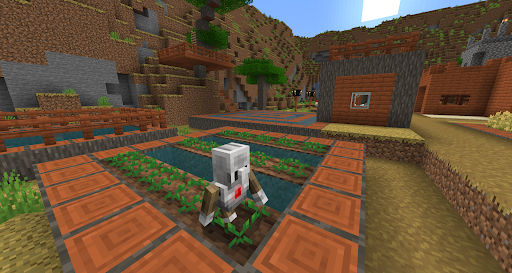
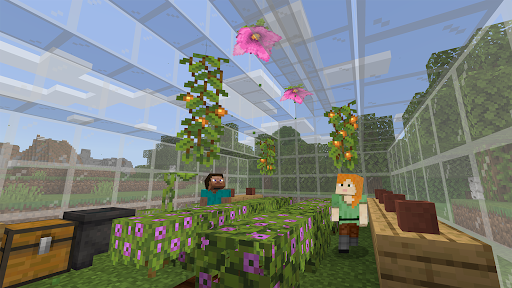
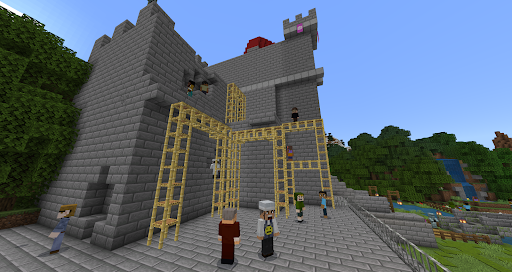
Minecraft Education Edition is a game-based learning platform that builds STEM, creativity, and collaboration skills in an immersive digital environment. Adapted from the popular sandbox game Minecraft, this version is specifically designed for classroom use, providing educators with powerful tools to engage students across various subjects. It transforms learning into an interactive adventure where students can explore historical sites, conduct scientific experiments, solve mathematical problems, and develop coding skills—all within a block-based world. The platform supports a wide range of curriculum standards and learning objectives while maintaining the creative freedom that makes Minecraft so compelling to young learners.
Chapter 1: Function
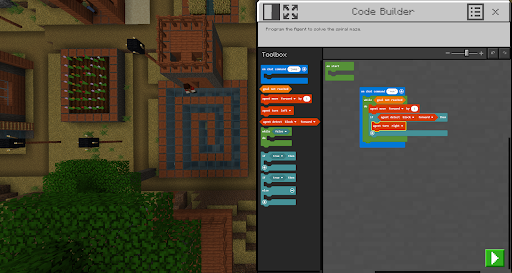
Minecraft Education Edition offers comprehensive educational tools through its game-based interface. The platform features Classroom Mode, which allows teachers to manage world settings, communicate with students, and assign activities without entering the game world. Students can document their learning using the Camera and Portfolio features, capturing screenshots and writing descriptions of their work. The Code Builder tool introduces programming concepts through block-based coding and text editors, enabling students to bring creations to life. Multiplayer functionality facilitates collaborative projects where students can work together in shared worlds. Additional features include chalkboards for displaying instructions, non-player characters for delivering information and quizzes, and immersive readers that support literacy development. The platform also includes pre-built lesson plans and worlds covering subjects from history to computer science, along with chemistry features that allow experimentation with elements and compounds.
Chapter 2: Value
Minecraft Education Edition delivers exceptional educational value by transforming passive learning into active creation. The platform develops critical thinking and problem-solving skills as students navigate challenges and design solutions in the virtual environment. It promotes computational thinking through coding activities that progress from basic commands to complex programming. The collaborative nature of the platform teaches teamwork and communication skills as students work together on building projects and solving problems. For educators, it provides detailed tutorials, lesson plans, and a supportive community that shares best practices and world templates. The assessment tools allow teachers to track student progress and understanding through their creations and documentation. Unlike entertainment versions of Minecraft, the Education Edition includes enhanced security features that protect student privacy and provide a safe online environment. The platform's cross-curricular capabilities make it valuable for teaching everything from architecture and urban planning to environmental science and literature, ensuring that investment in the platform delivers returns across multiple subject areas and grade levels.
Chapter 3: Scenarios
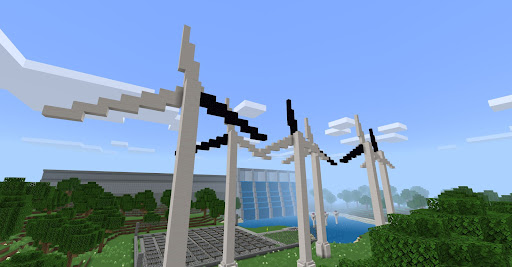
Minecraft Education Edition serves diverse educational scenarios across grade levels and subjects. In elementary classrooms, students might recreate historical settlements or build models of animal habitats to demonstrate understanding of science concepts. Middle school mathematics classes can use the platform to explore geometry, scale, and proportions through architectural projects. High school computer science students frequently employ the coding features to learn programming logic and develop computational thinking skills. History classes reconstruct ancient civilizations, allowing students to virtually walk through historical settings they're studying. Science laboratories within the game enable safe experimentation with chemical compounds and physics principles. Special education settings benefit from the visual and interactive nature of the platform to support differentiated learning. After-school coding clubs and STEM programs use the platform to introduce programming concepts in an engaging format. The platform also supports remote learning scenarios, enabling students to collaborate on projects from different locations while teachers monitor progress and provide real-time feedback through the classroom management tools.