QuickBooks Online Accounting
Business- Category Business
- Size 121.96 MB
- Requirements Android 0 and up
- Downloads 460,000,000+
- Package Name com.intuit.quickbooks
- Content Rating Everyone
About QuickBooks Online Accounting Feature
QuickBooks Online Accounting is a comprehensive, cloud-based financial management solution designed for small to medium-sized businesses, freelancers, and entrepreneurs. It serves as a centralized platform for tracking income and expenses, invoicing clients, managing payroll, and monitoring cash flow. By automating many routine bookkeeping tasks and providing real-time insights into financial health, it empowers users to make informed business decisions from anywhere, at any time. Its accessibility via web browsers and mobile apps makes it a versatile tool for modern business management, eliminating the need for complex on-premise software installations.
Chapter 1: Function
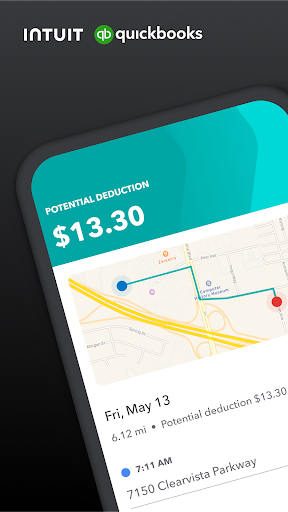
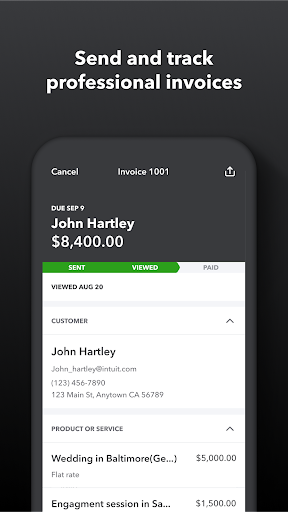
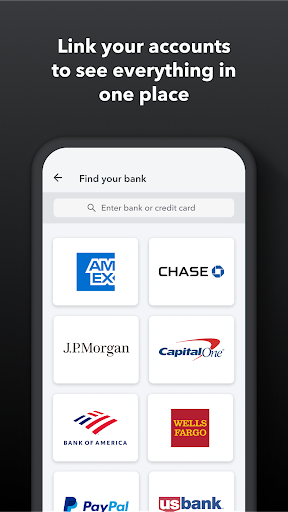
QuickBooks Online Accounting delivers a robust suite of core functions that streamline business finance. It automates bank and credit card transaction feeds, categorizing them to simplify expense tracking and reconciliation. The platform excels in invoicing, allowing users to create, send, and track professional invoices while accepting online payments directly. It efficiently manages accounts payable by facilitating bill entry and payment scheduling. Comprehensive financial reporting, including profit and loss statements, balance sheets, and tax summaries, is generated with a few clicks. The system also supports payroll processing, tax calculation, and filing, alongside features for tracking sales tax, mileage, and receipts. Furthermore, it allows for project profitability tracking, linking time and expenses to specific jobs, and provides tools for managing 1099 contractors. These integrated functions work in concert to provide a complete picture of a company's financial standing.
Chapter 2: Value
The value proposition of QuickBooks Online Accounting lies in its ability to save time, reduce errors, and provide actionable financial intelligence. Its primary advantage is automation; by automatically importing and categorizing bank transactions, it drastically cuts down on manual data entry, minimizing human error and freeing up hours for business owners to focus on growth. The real-time dashboard offers an immediate, at-a-glance view of key performance indicators like profit, revenue, and outstanding invoices, enabling proactive decision-making. The cloud-based nature ensures that financial data is securely accessible from any device, fostering collaboration with team members and accountants in real-time. This seamless integration with a vast ecosystem of third-party apps, from payment gateways like PayPal to CRM systems, extends its functionality, creating a tailored business hub. For tax preparation, having all financial data organized and readily available simplifies the process and ensures accuracy. Ultimately, QuickBooks Online transforms complex financial data into clear, understandable insights, demystifying accounting for non-experts and providing the clarity needed to drive profitability and ensure long-term financial health for the business.
Chapter 3: Scenarios
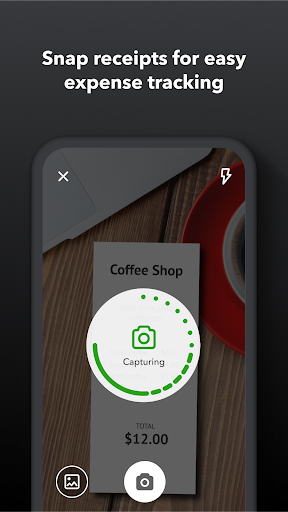
QuickBooks Online Accounting is ideally suited for a diverse range of users and daily situations. Small business owners, such as retail store operators or consultants, use it to monitor daily sales, track expenses, and understand their profitability without needing deep accounting knowledge. Freelancers and solo entrepreneurs, like graphic designers or independent contractors, rely on it for creating and sending invoices, tracking billable hours, and managing their tax-deductible expenses efficiently. Growing startups utilize its project tracking features to monitor the budget and profitability of individual client projects. In everyday use, a user might quickly snap a picture of a receipt with their mobile app to log an expense during a business lunch. Later, at their desk, they could review automatically categorized bank transactions, send a payment reminder for an overdue invoice, and run a cash flow forecast report to plan for upcoming expenditures. Accountants also frequently use it to access their clients' books remotely, providing timely advice and preparing tax returns with up-to-date, accurate information.